AI, Screens and Young Children: What Parents Should Know in 2026
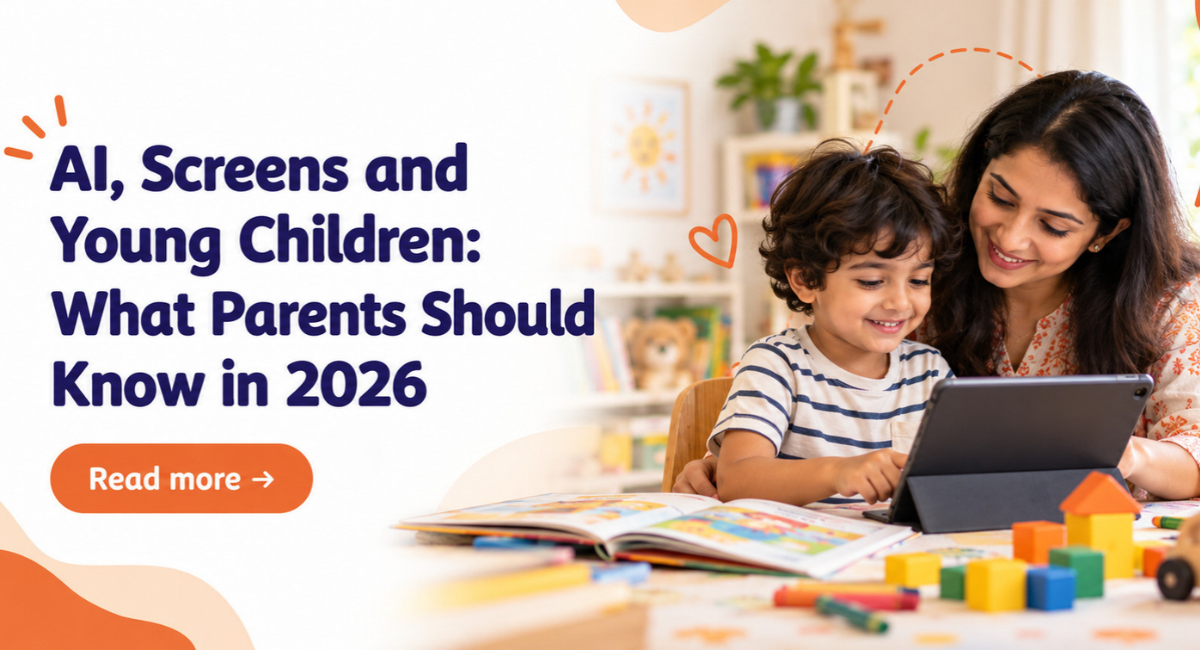
Table of content
- Introduction
- Why Screens and AI Feel Different for Families Raising Young Kids
- What Current Screen Guidance Means for Children Under Five Today
- How to Choose Helpful Content and Watch Along With Your Child
- What Parents Should Know Before Letting Young Children Use AI
- Why Sleep, Movement and Real-World Play Still Come First Daily
- Simple Screen Rules for Busy Parents on Weekdays and Weekends
- How Preschools Can Support Healthy Digital Habits for Children
- Conclusion
- Frequently Asked Questions
Introduction
Screens have become a normal part of family life. A phone or tablet can keep a child busy for a few minutes while parents finish cooking, attend a work call or complete something important. But in 2026, screen time is not only about watching cartoons or playing simple games. Children are now surrounded by videos, apps, voice assistants, smart devices and AI tools that can answer questions within seconds.
This can leave many parents confused about what is actually good for their child. Is an educational video really helping them learn? How much screen time is too much? And should a preschool child be allowed to use an AI tool? There is no need to worry about every few minutes your child spends in front of a screen. What matters more is your child's age, what they are watching, whether a parent is involved and how much time they still spend playing, moving, talking and sleeping.
Why Screens and AI Feel Different for Families Raising Young Kids
Today's screens are designed to keep people engaged. One video ends and another starts automatically. A game offers another level, while an app may give rewards that encourage children to continue using it. For a young child, stopping can sometimes be difficult because they are still learning self-control.
AI makes this situation slightly more complicated. An AI tool can answer questions, create pictures or tell a story almost instantly. These features can be interesting and useful, but AI can also give information that is incorrect or difficult for a young child to understand.
Preschool children are still developing their understanding of what is real, what is pretend and what information they can trust. This is why parents should stay involved when young children interact with digital tools.
What Current Screen Guidance Means for Children Under Five Today
Parents often want a simple answer to one question: how much screen time is okay?
The World Health Organization guidance says sedentary screen time is not recommended for children under one year or for one-year-olds. For children aged two, screen time should be no more than one hour a day, and less is considered better. The same limit of one hour applies to children aged three and four. However, parents should not focus only on the number of minutes. It is also important to look at what screen time is replacing.
If a child spends so much time with a device that there is less time for sleep, outdoor play, family conversations, books or physical movement, the daily routine may need some changes. The 2026 pediatric guidance also encourages families to think about the type of content children are watching and the situation in which they are using screens.
How to Choose Helpful Content and Watch Along With Your Child
Not every children's app, game or video is educational just because it has bright colours, numbers or letters. Before giving an app or video to your child, spend a few minutes checking it yourself.
Look at whether the content is suitable for your child's age and easy to understand. Check whether the app has too many advertisements, automatic videos or rewards that encourage children to keep tapping and watching.
Whenever possible, sit with your child for at least part of the screen time. Ask simple questions about what they are watching. If a video is about animals, for example, you can later talk about animals you have seen outside or look for birds during a walk. This helps connect what children see on a screen with the real world around them.
What Parents Should Know Before Letting Young Children Use AI
AI is becoming part of everyday technology and children are likely to come across it more often. It can create a bedtime story, suggest indoor games for a rainy day or answer a simple question. For preschool children, AI use should ideally remain adult-led. Parents can choose the tool, enter the question or prompt and check the answer before sharing it with their child.
Privacy is another important point. Avoid sharing information such as your child's full name, personal photos, home address, school details or other private information unless you clearly understand how the service collects and uses that data.
Guidance on AI and children highlights the importance of protecting children's privacy and personal data when AI systems are involved. Parents should also remember that an AI chatbot is not a replacement for human support. If a young child is worried, scared, confused or upset, they need to speak with a parent or teacher.
Why Sleep, Movement and Real-World Play Still Come First Daily
Technology may continue to change, but the basic needs of young children have not changed. Children still learn best through talking, touching, moving, observing and trying things for themselves.
Simple activities can teach a lot. Pouring water from one cup into another can introduce ideas about size and quantity. Pretend cooking can build vocabulary and imagination. Playing in a park can help children practise climbing, balancing, waiting for a turn and interacting with other children.
Sleep is equally important. Using screens close to bedtime can make it harder to create a calm sleep routine. Parents can try putting devices away before bed and replacing them with a story, a simple conversation or a song.
Simple Screen Rules for Busy Parents on Weekdays and Weekends
Screen rules do not have to be complicated. In fact, simple rules are usually easier for young children to understand and follow. Parents might choose a fixed time for watching a programme, keep phones away from the dining table and avoid devices during bedtime. Keeping phones and tablets outside the child's bedroom at night can also help create a clear routine.
Weekends may be different from weekdays, and that is okay. There may also be times when parents need to use a screen during travel, a long waiting period or a particularly busy day. The goal does not have to be a completely screen-free childhood. Consistency matters more. Children slowly understand limits when parents explain them clearly and follow similar routines each day.
Adults can also think about their own habits. Young children notice when parents are constantly checking their phones. Putting the phone aside while talking, eating or playing together can set a useful example.
How Preschools Can Support Healthy Digital Habits for Children
At NewAge PreSchools, children get many opportunities to learn without depending on digital devices. Activities like storytelling, block play, art, outdoor games and pretend play help children explore new ideas through real experiences. These activities support creativity, communication and confidence in a natural way.
Technology is used only when it adds value to learning. Teachers may use a short video or digital resource to explain a topic, followed by classroom discussion or a practical activity. This helps children understand the concept while keeping hands-on learning at the centre of their preschool experience.
Conclusion
Screens and AI are now part of everyday life and children will grow up around technology. The aim for parents does not need to be removing every screen. A more practical approach is to help children build healthy habits from an early age.
Choose age-appropriate content, stay involved when possible and be careful about what personal information is shared with AI tools. At the same time, make sure children have plenty of opportunities to talk, move, sleep, explore and play away from devices.
Visit NewAge PreSchool to Explore Learning Beyond Screens
For more helpful parenting tips, early learning insights, and preschool guidance, explore the NewAge PreSchools Blog. Discover how we create a nurturing and engaging environment where young children can learn, explore, and grow with confidence. If you are looking for preschool admission, visit NewAge PreSchools to learn more about our programs, curriculum, and admission process for 2026-27.
Frequently Asked Questions
Are educational apps good for preschool children?
Some educational apps can be useful when they are simple, age-appropriate and used with a parent. However, an app should not replace activities such as reading, drawing, building, outdoor play and talking with other people.
Is every screen activity harmful for a young child to try?
No. Age-appropriate content used for a short period with an adult can sometimes encourage questions, conversation and learning. The important thing is to keep a healthy balance and make sure screens do not replace real-world play and interaction.
What can I do when my child becomes upset after screen time?
Stay calm and remind your child of the rule you have already explained. You can then move to another familiar activity such as drawing, playing outside, reading or helping with a simple household task. If screen use regularly affects sleep, behaviour, play or family life, parents can discuss the issue with their child's paediatrician.
Should a young child talk to an AI chatbot on their own?
For preschool-age children, it is better to keep AI use adult-led. Parents should check the answers provided by the tool and avoid entering private information. If a child has questions about feelings, relationships, health or safety, a trusted adult should be involved.
Can an educational video replace reading together before bed?
An educational video may teach a child something new, but it does not provide exactly the same experience as reading together. A bedtime story allows children to listen to a familiar voice, ask questions and enjoy quiet time with a parent. Books can also help create a calmer bedtime routine.
How much screen time is suitable for a preschool child each day?
For children aged three and four, WHO advises no more than one hour of sedentary screen time per day, with less being better. Parents should also consider what the child is watching and whether they still have enough time for sleep, movement, conversation and play.

NewAge PreSchool








Leave a Reply
Your email address will not be published. Required fields are marked *
Comments
No comments available